

Decisions and action items

Decisions and action items, confirmed by you

Notemeal can suggest what was decided and who said they’d do what. Each suggestion shows when it was said, and it only counts once you confirm it.

Download for MacFree · macOS 26.2 or later · Apple silicon
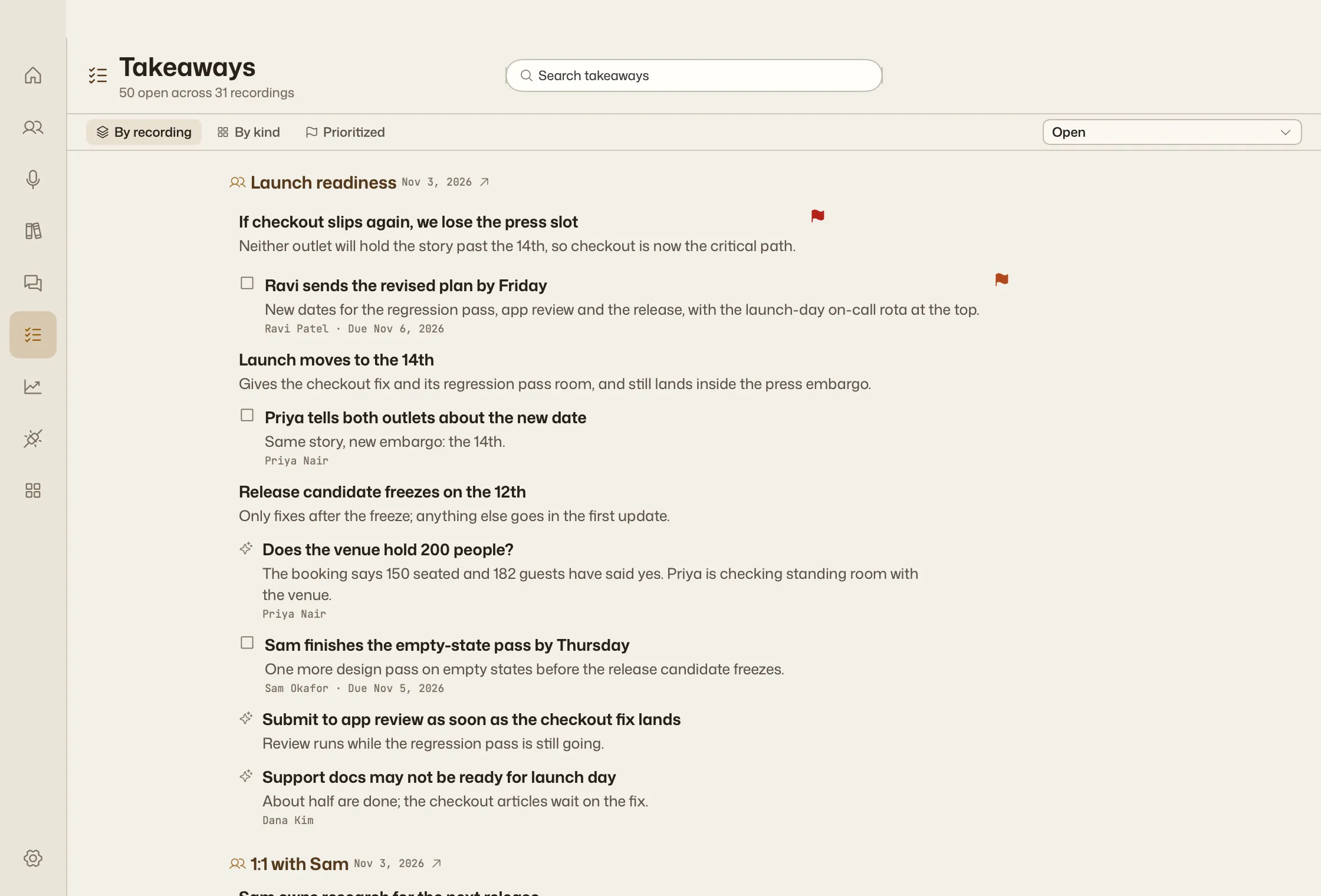
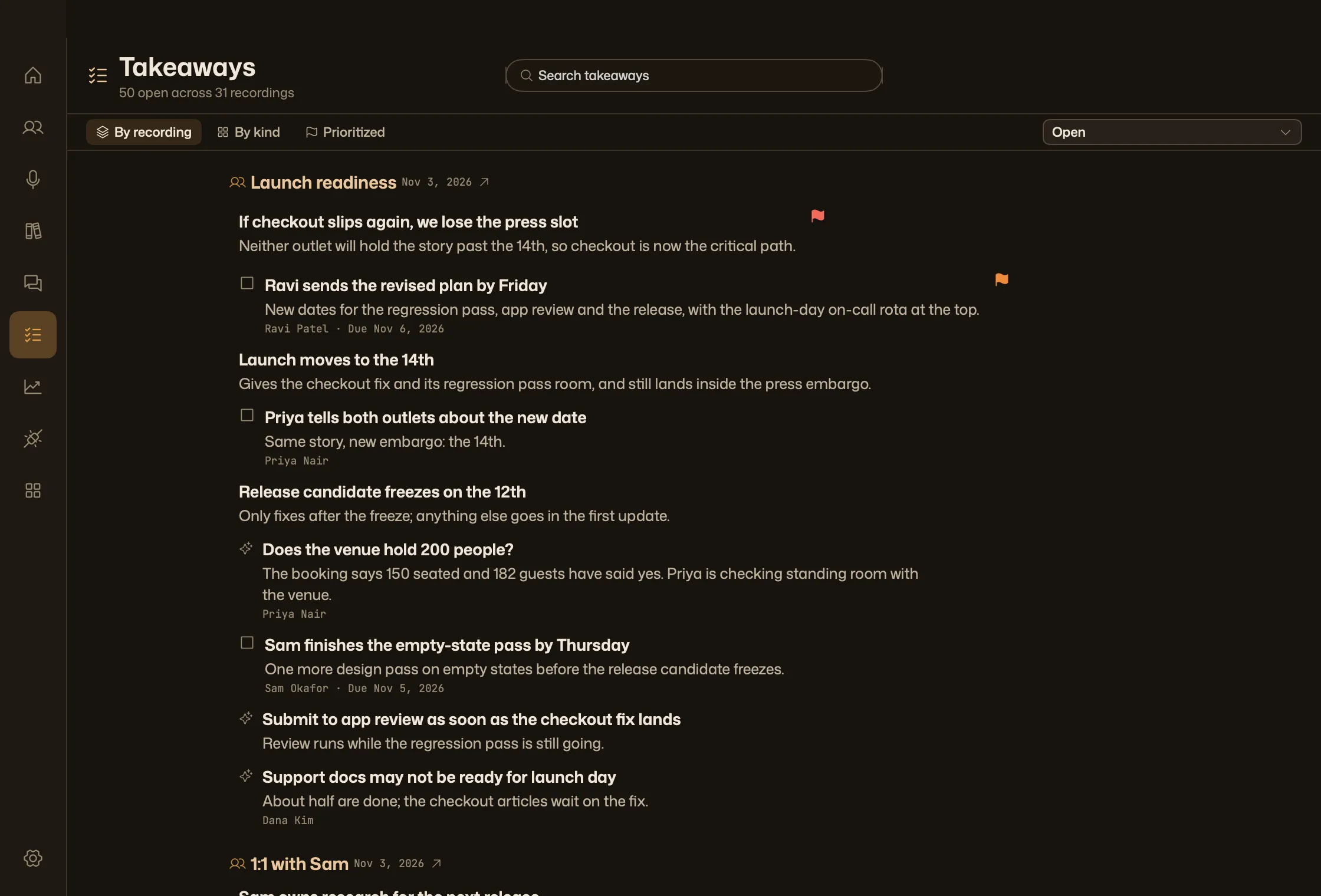
Decisions and action items in NotemealDecisions and action items in Notemeal

Automatic action items are handy until one appears that nobody agreed to. Notemeal treats everything it finds as a suggestion and leaves the decision to you.

Suggestions in the margin

After a meeting, ask Notemeal to find decisions and action items. Each one appears beside your notes as a proposal, with what it is and the moment it came from, for example “Suggested · action · 07:42”. Check it against the transcript at that moment.

Confirm, and it counts

Confirm a suggestion and it’s stamped as yours. Until then it stays a suggestion. If nothing clear was decided in the meeting, the list stays empty rather than inventing something to show.

Across meetings

You can look for decisions across all your meetings, not just the one in front of you, and search every meeting for the conversation behind them.

Questions

What if Notemeal suggests something that wasn’t agreed?

Leave it unconfirmed or reject it. Suggestions never become decisions or to-dos on their own.

What happens when nothing was decided?

The list stays empty. Notemeal won’t make up a decision to fill the space.

Does it send action items to my task app?

No. Notemeal doesn’t connect to other apps. You can export the meeting, notes included, as a Markdown file.

Try Notemeal on your Mac

Free for Apple silicon Macs running macOS 26.2 or later.

Download for Mac