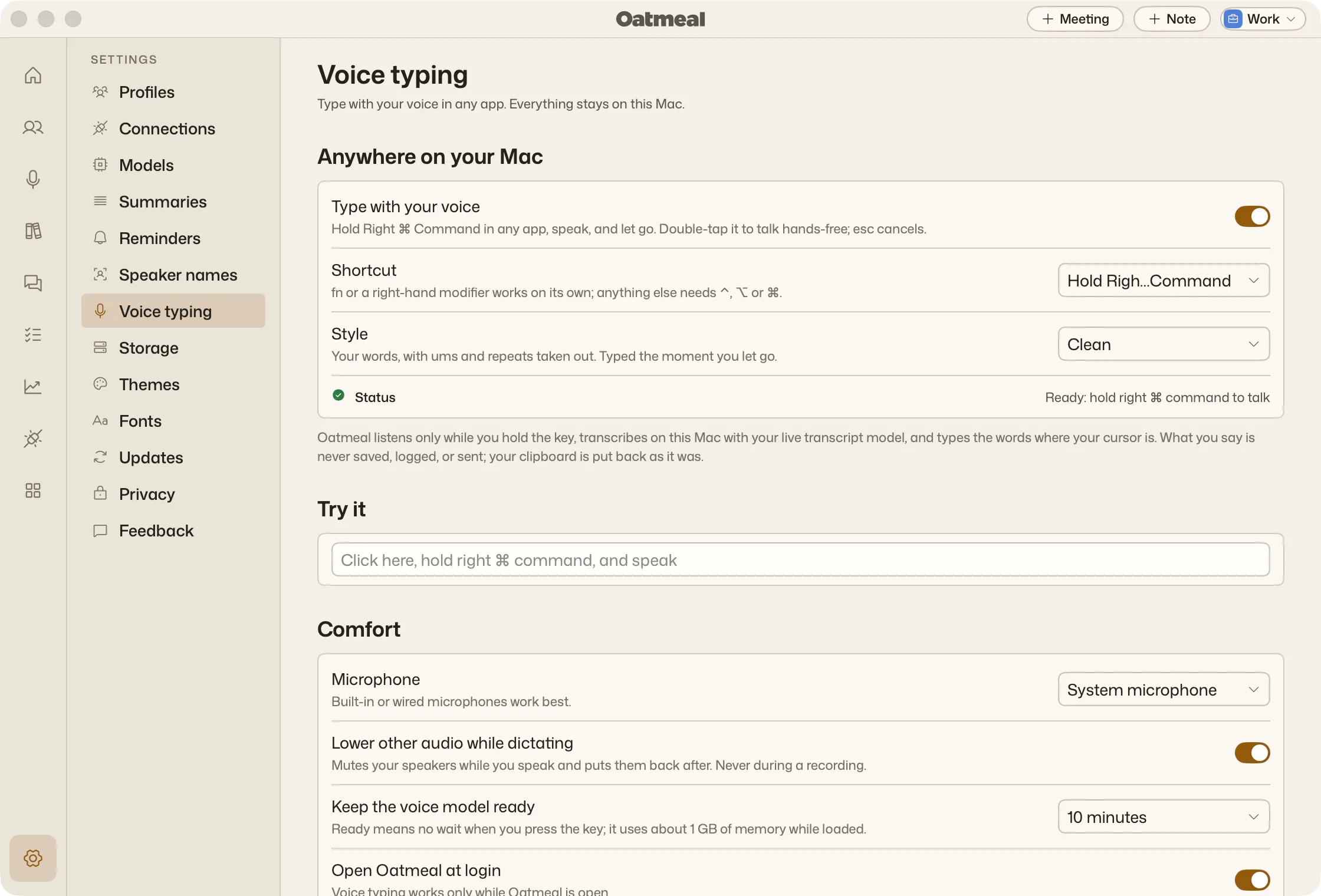
Typing is slow and talking is fast. Voice typing is dictation for everything you write between meetings: the reply you owe, the update for the team, the prompt that needs more context, the idea you want down before it’s gone.
How it works
- Put your cursor where you want the words.
- Hold the right ⌘ key and talk.
- Let go. The words appear where your cursor is.
Double-tap it to keep talking hands-free, for up to 20 minutes. Press Esc to cancel. You can choose a different shortcut in Settings.
Clean words, not a raw transcript
Notemeal takes out the ums and the stutters, so what lands on the page reads the way you meant it.
Add names and terms to your Words and Notemeal spells them your way every time: a colleague’s name, a product, the acronym your team uses.
Turn on Polished and Notemeal also lays the words out for the kind of app you’re in: a greeting and paragraphs for an email, a short line for chat, clear instructions for an AI prompt. If a rewrite drifts from what you actually said, Notemeal throws it away and types the clean version instead. Polished takes a break while a meeting is recording.
Private by design
- Your voice is turned into text on your Mac. It isn’t saved as a recording or sent anywhere.
- Polished is made on your Mac as well.
- Notemeal never types into a password field, or into a different app from the one you started in.
- To type, Notemeal briefly uses the clipboard, then puts back whatever you had copied.
- Recent dictations stay on your Mac for 7 days, or 1 or 30 days, or not at all. You choose.
Made to sit beside your meetings
Voice typing lives in the same app as your meeting notes, profiles and takeaways. Dictations belong to the profile you’re using, so work stays with work.
While you talk, Notemeal mutes your speakers and turns them back on when you’re done. It never does this while a meeting is recording, and you can switch it off.
Getting started
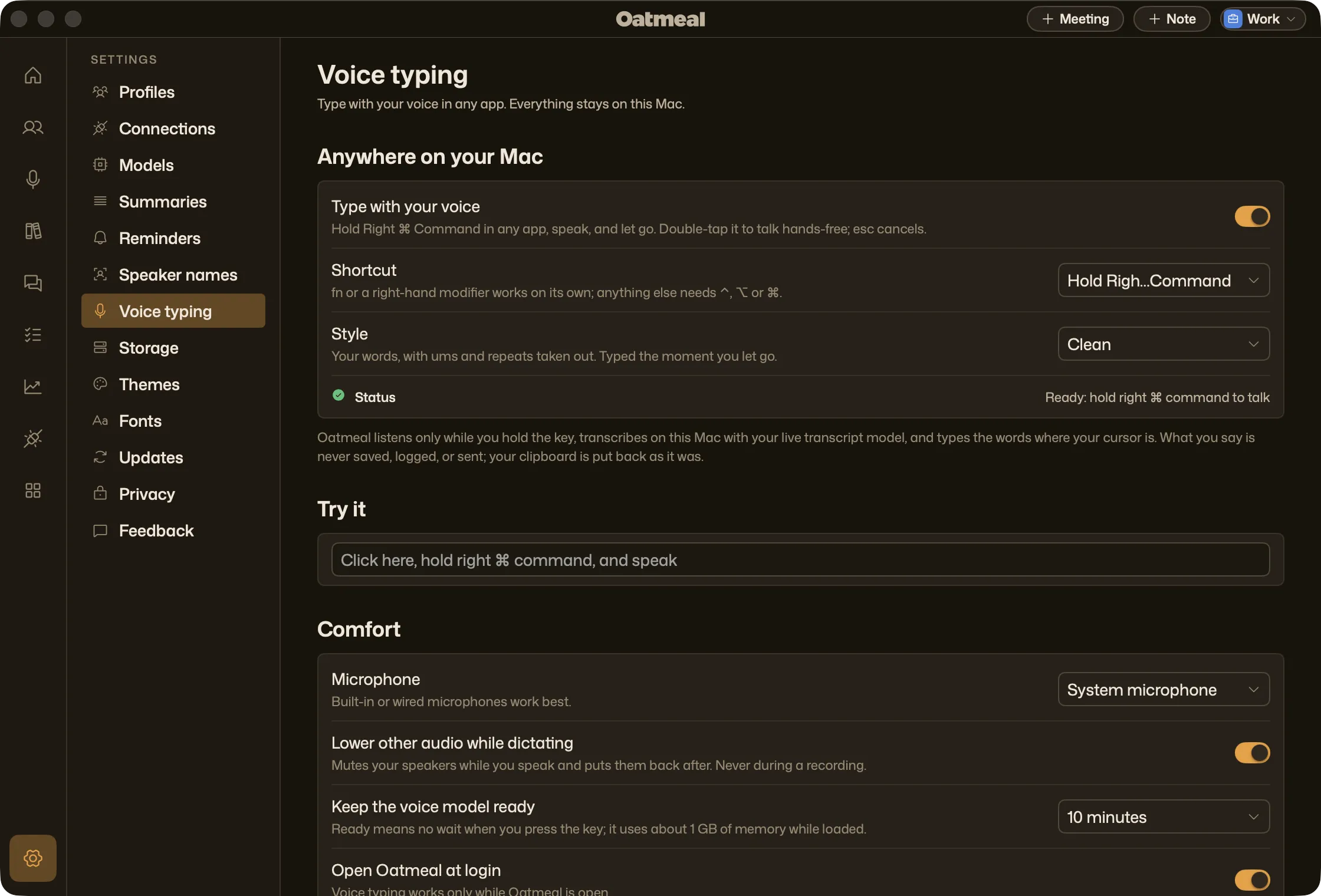
Open Notemeal and go to Settings › Voice typing. Turn it on, allow the microphone and Accessibility when macOS asks, and hold right ⌘ in any app to try it. There’s a Try it box right there in Settings, too. Voice typing uses the same speech model as Notemeal’s live transcript.