

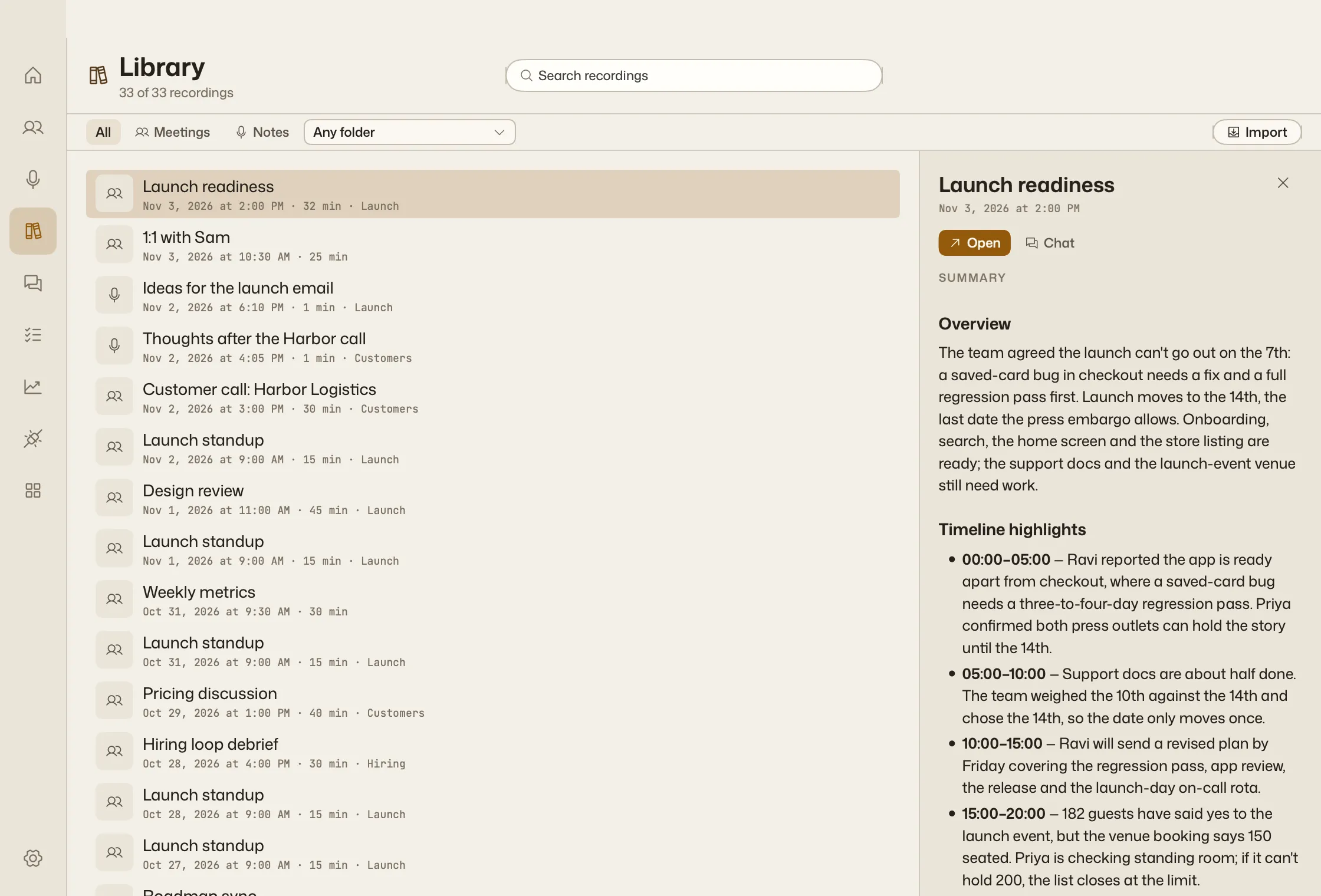
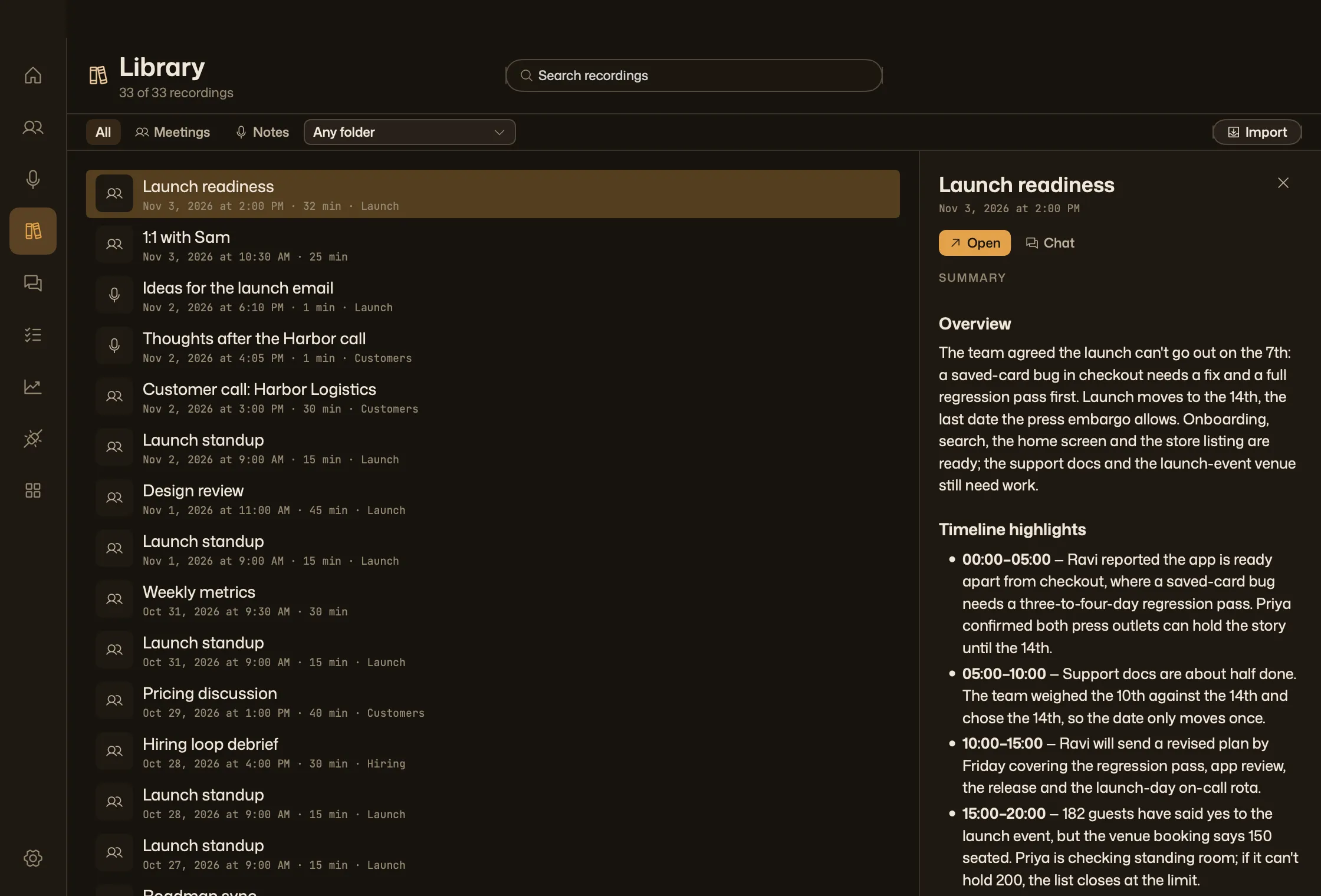
Meeting notes are only worth keeping if you can find them again. Notemeal keeps every transcript, note and summary searchable in one place.
Keyword and meaning
Type a word or phrase and Notemeal searches all your meetings at once. Filter by type and by date to narrow it down.
Turn on search by meaning and Notemeal also finds things said in other words, so a search for “budget” can turn up the meeting where someone said “we’re over on spend”. It’s optional and uses a search model you add to your Mac.
Straight to the moment
Results take you to the meeting and the place in the transcript, where you can play it back. Inside a single meeting, ⌘F finds every match and shows how many there are.
Fast, and private
Searching 10,000 items took about 20 ms, measured on an M3 Max. Your searches, like everything else, stay on your Mac.