Everything Notemeal does
Meetings, notes, takeaways, numbers and your voice, in one window on your Mac. Every feature, made on your Mac and free.
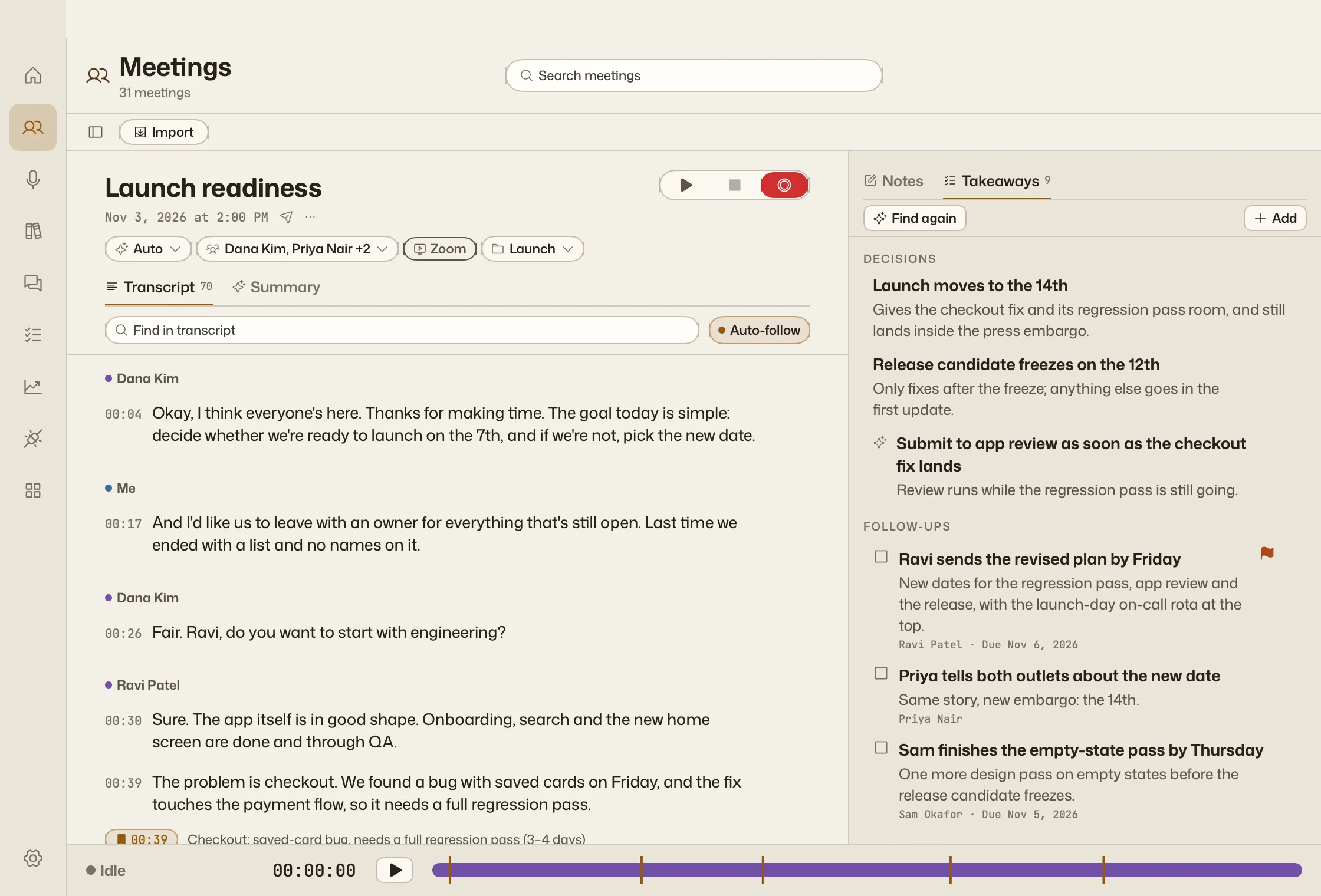
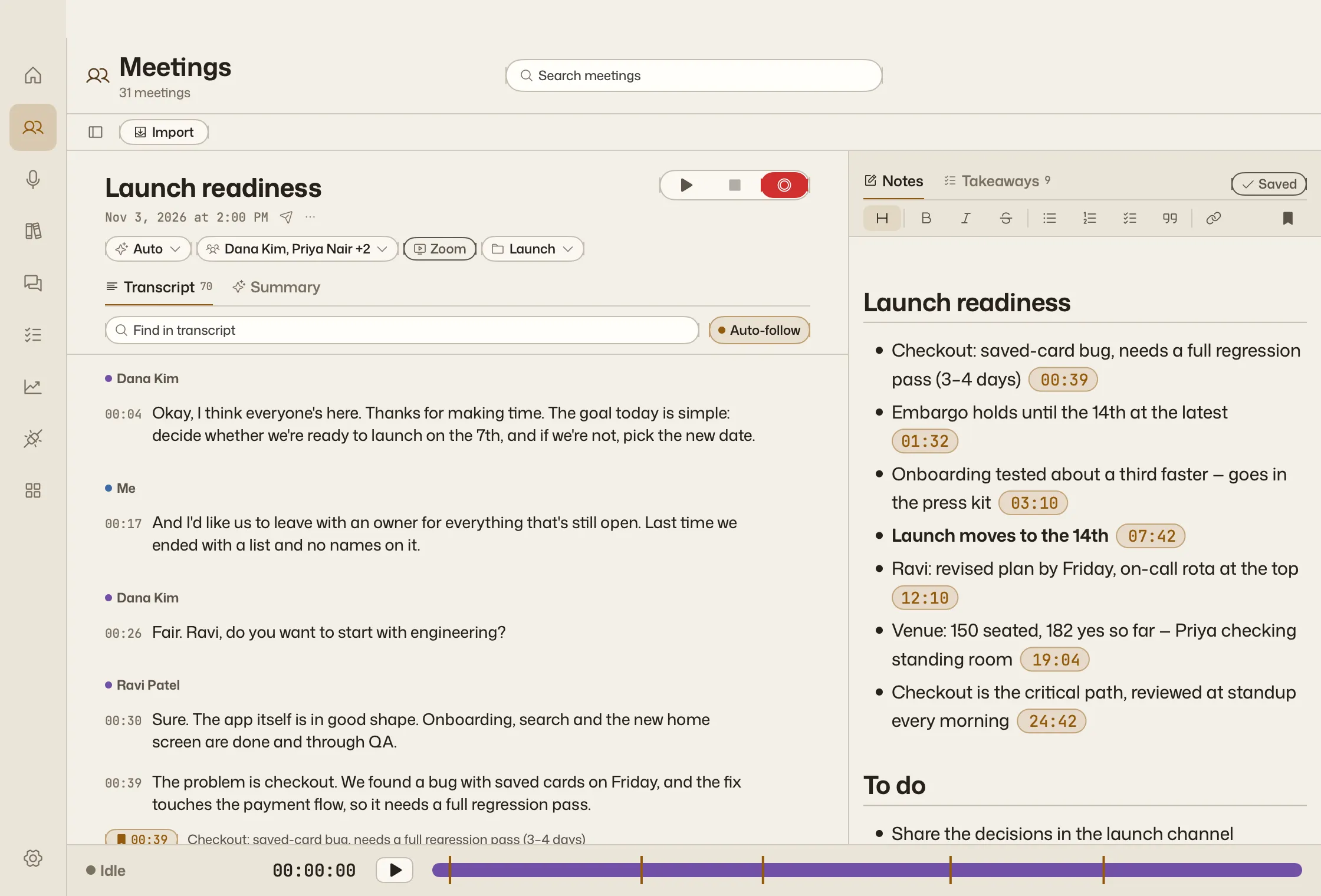
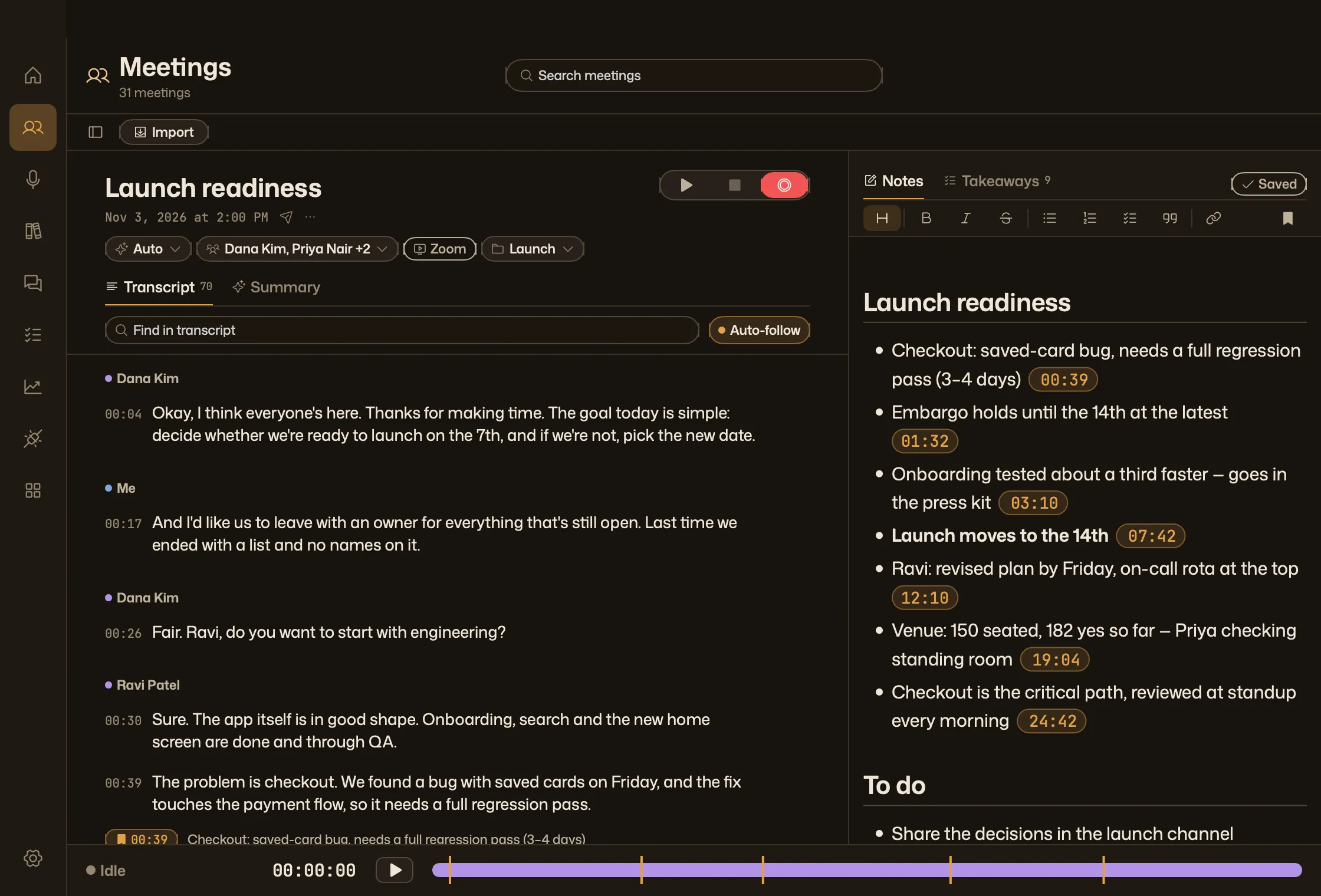
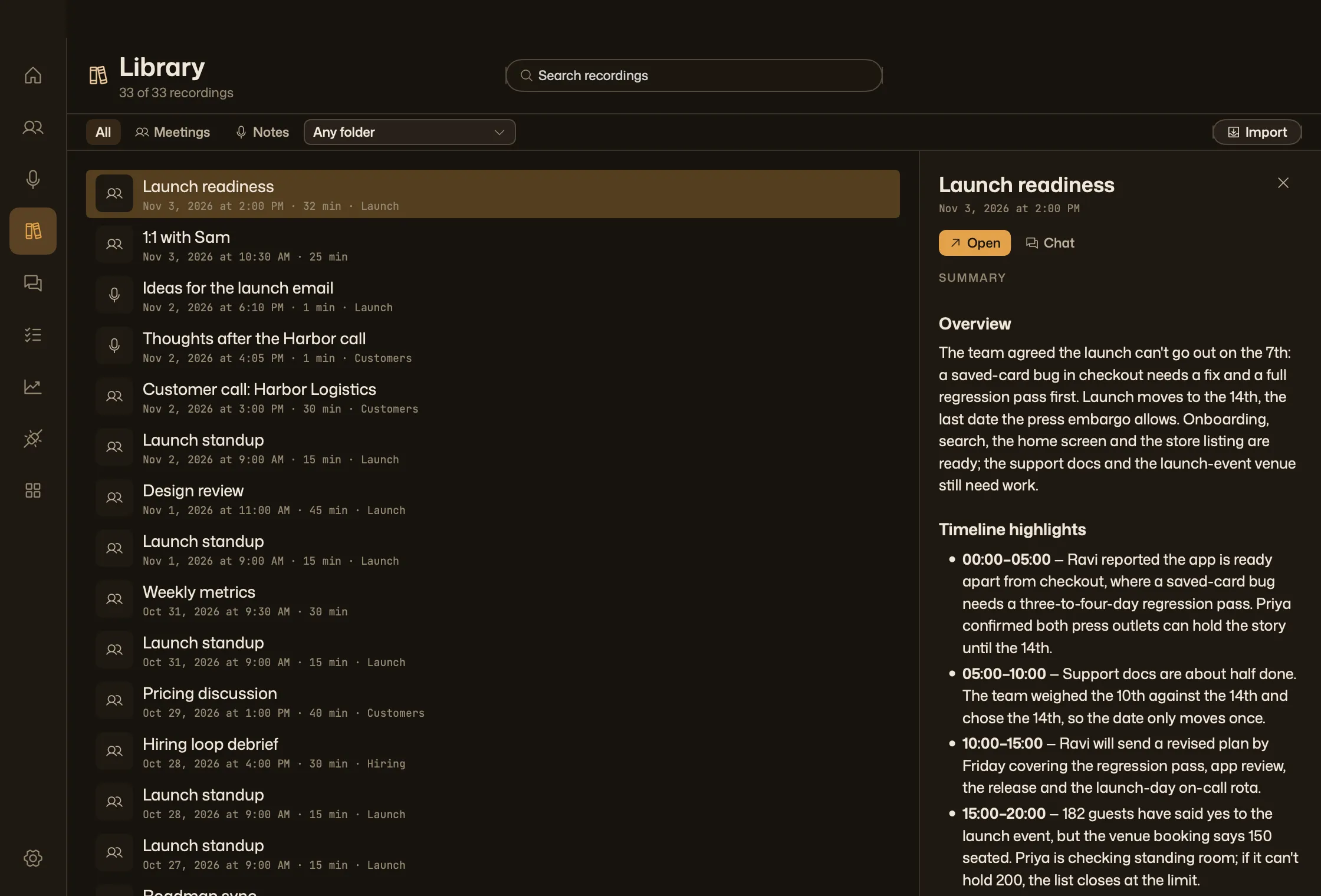
Private transcriptionFollow a live transcript or transcribe after the call, on your Mac. No upload, no account and no internet connection needed. Then you can search it, play it back and correct it.Read more

No botNotemeal records your microphone and the sound your Mac plays. Nothing joins the meeting, nobody gets a notetaker invite, and it works with whatever call app you use.Read more

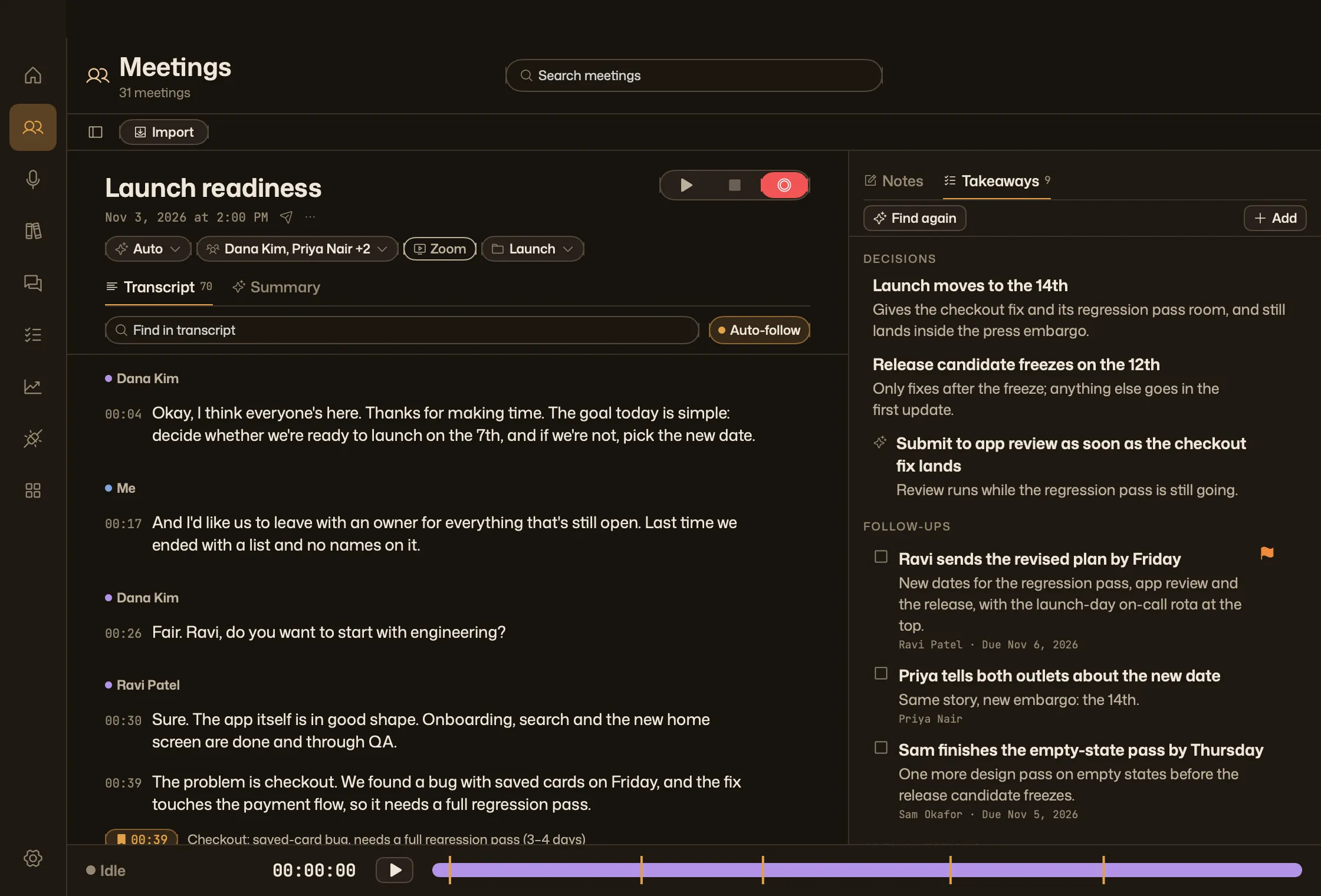
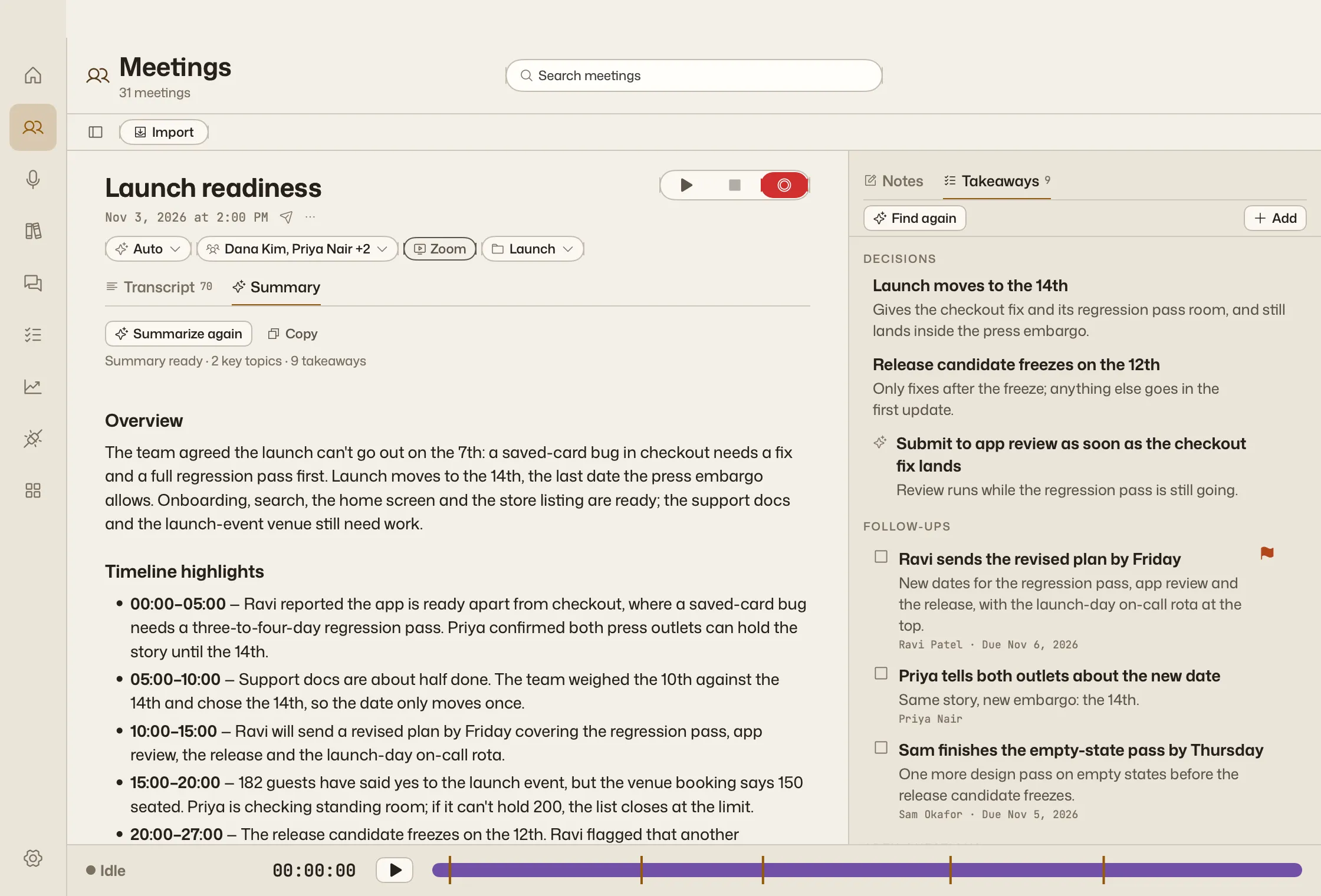
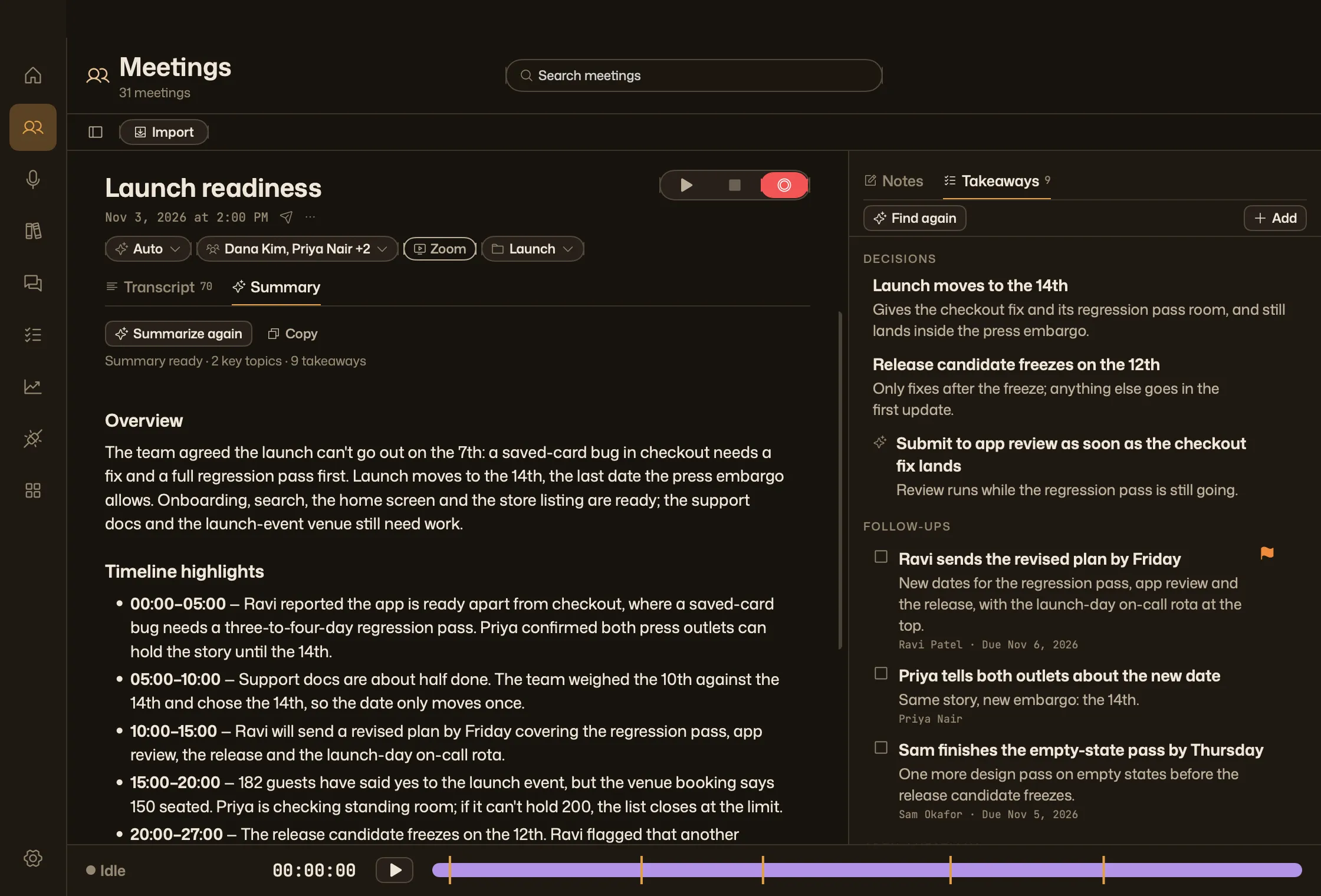
Private summariesNotemeal turns the transcript into an overview, follow-ups and a timeline without sending a word anywhere. Every part points back to the moment it came from, so you can check it.Read more

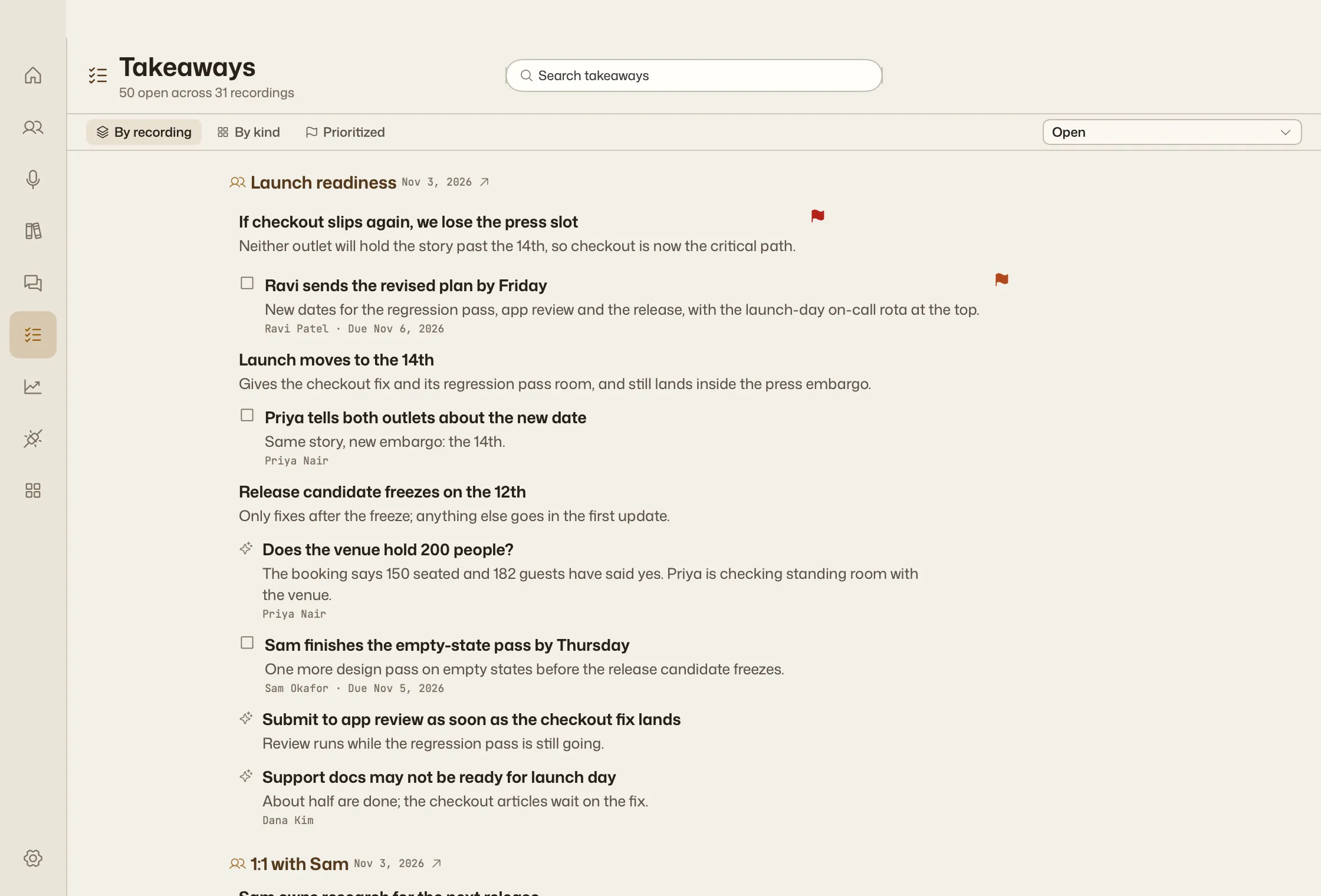
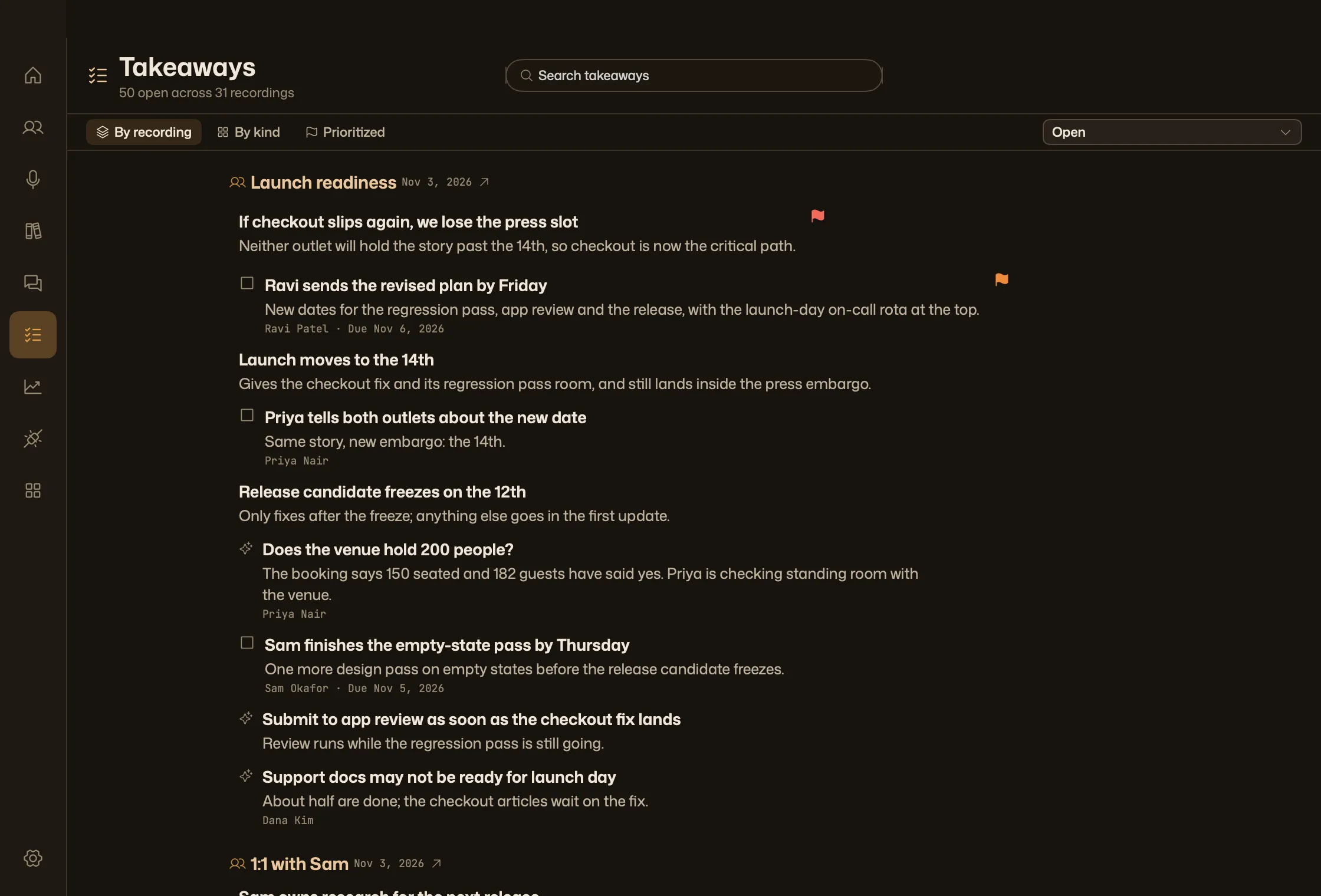
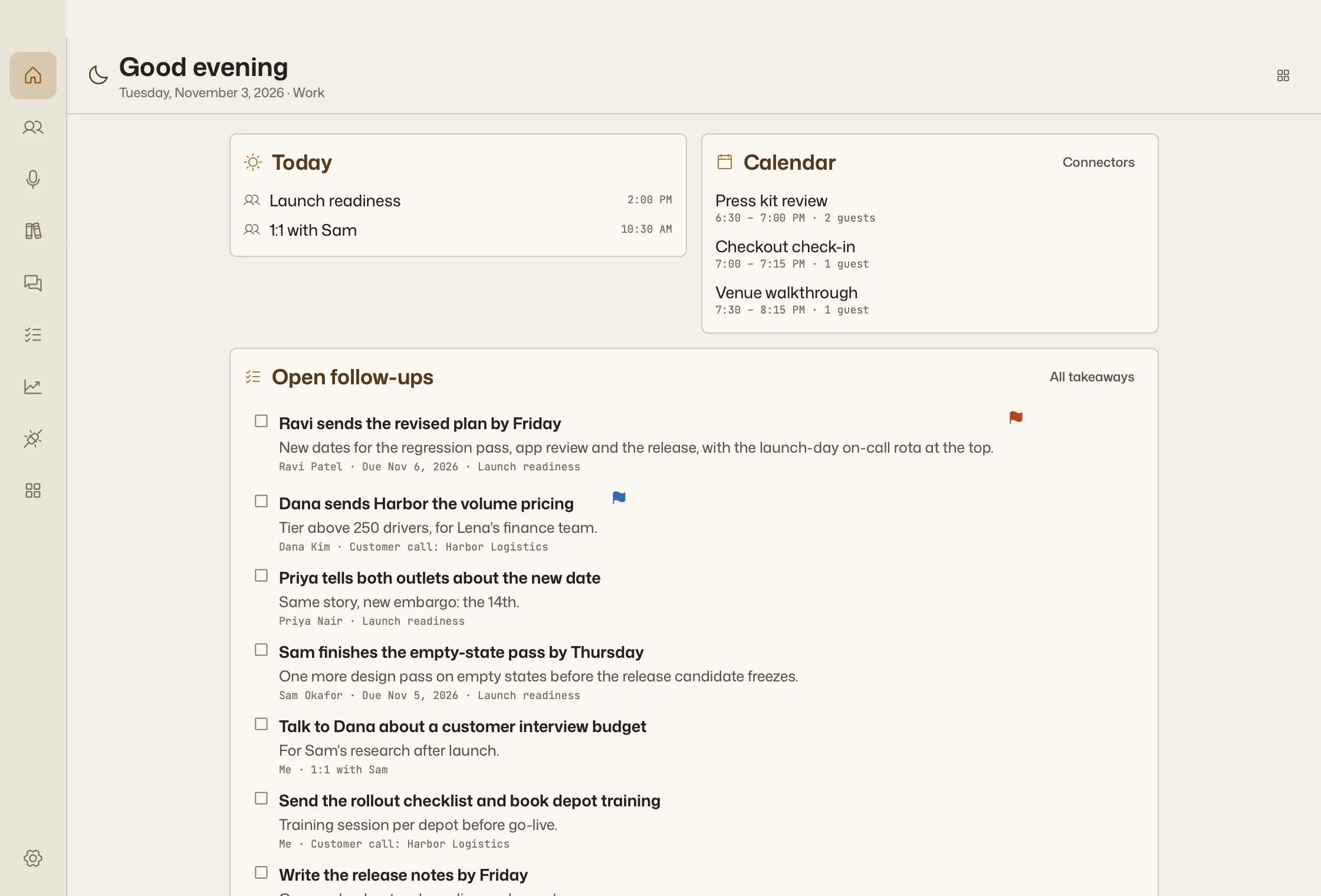
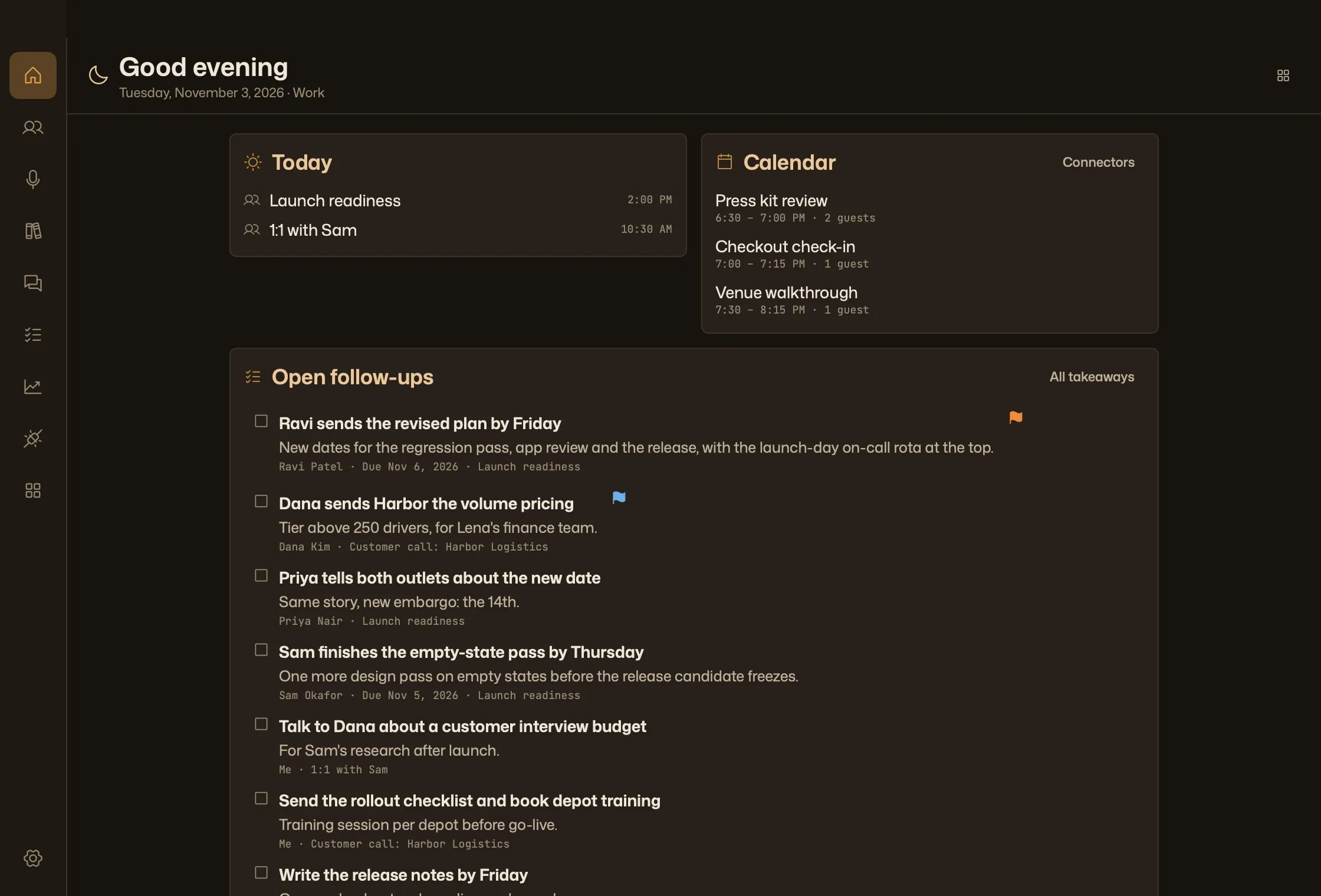
Decisions and action itemsNotemeal can suggest what was decided and who said they’d do what. Each suggestion shows when it was said, and it only counts once you confirm it.Read more

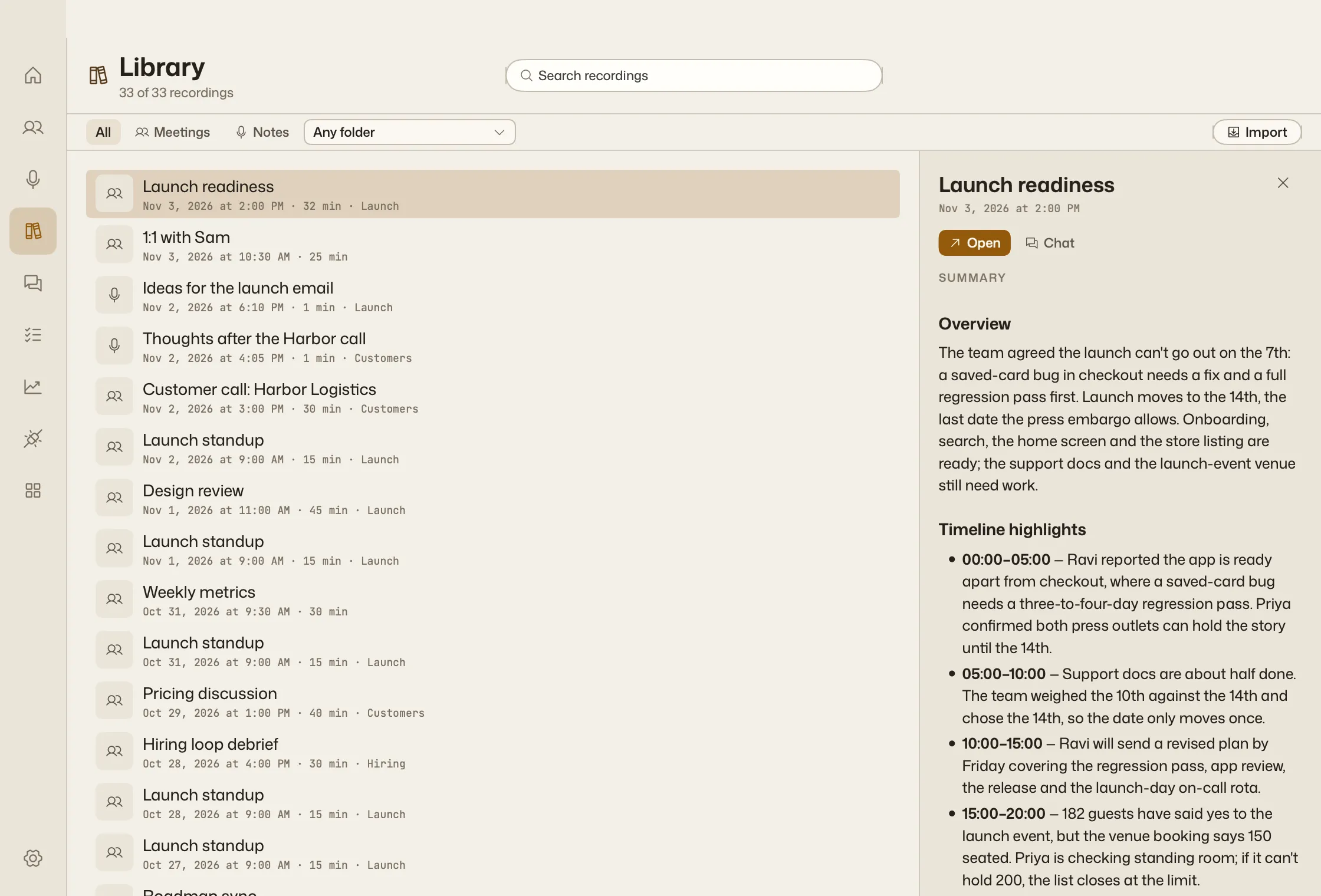
Search meetingsFind what someone said three weeks ago without remembering which meeting it was in. Notemeal searches all your meetings at once, on your Mac.Read more

Transcribe a fileGot a recording from a phone, a recorder or another app? Import it into Notemeal and it becomes a meeting like any other, transcribed on your Mac.Read more

Crash-safe recordingNotemeal saves as it records. If your Mac crashes, restarts or runs out of battery mid-meeting, what was recorded is still there when you open it again.Read more

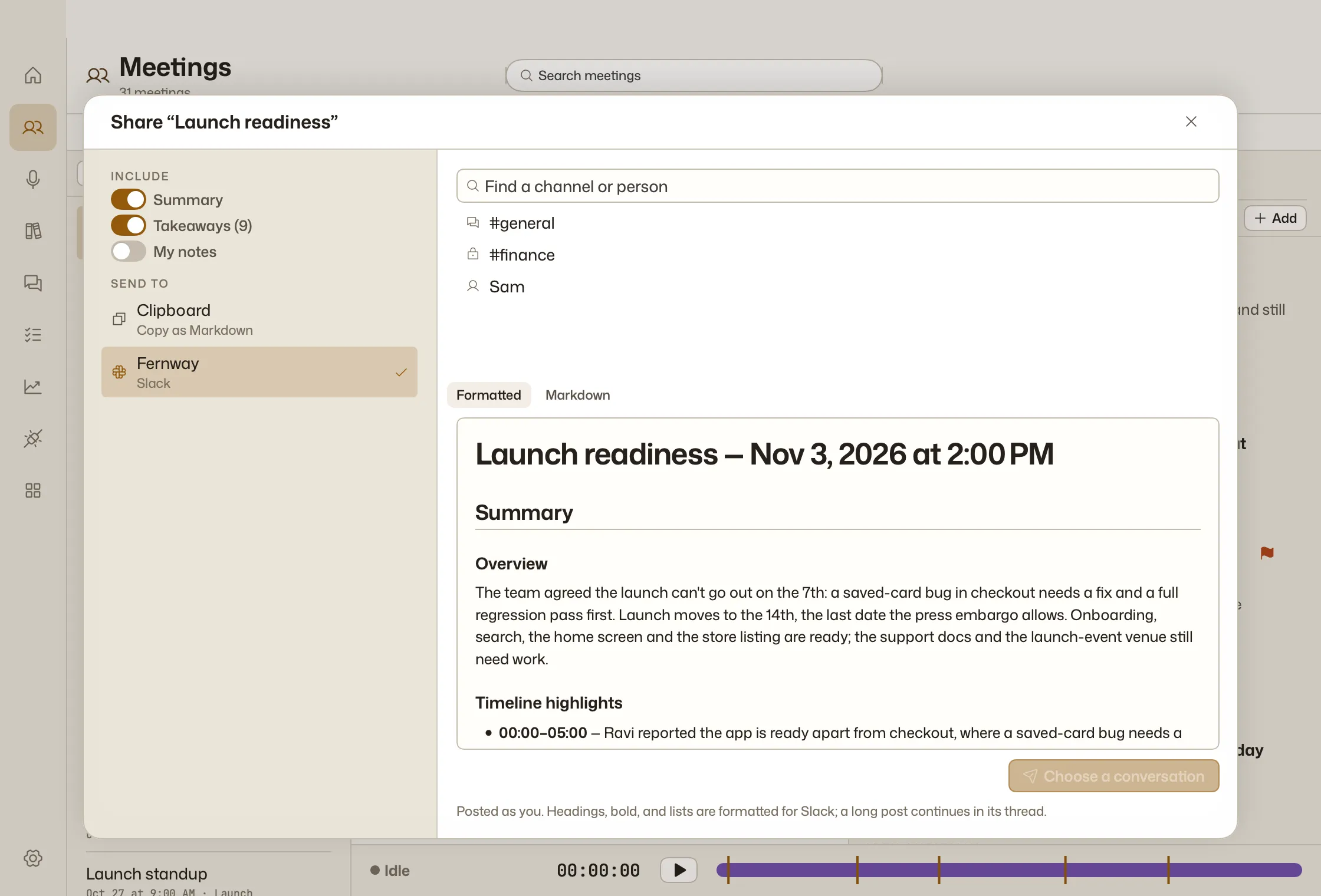
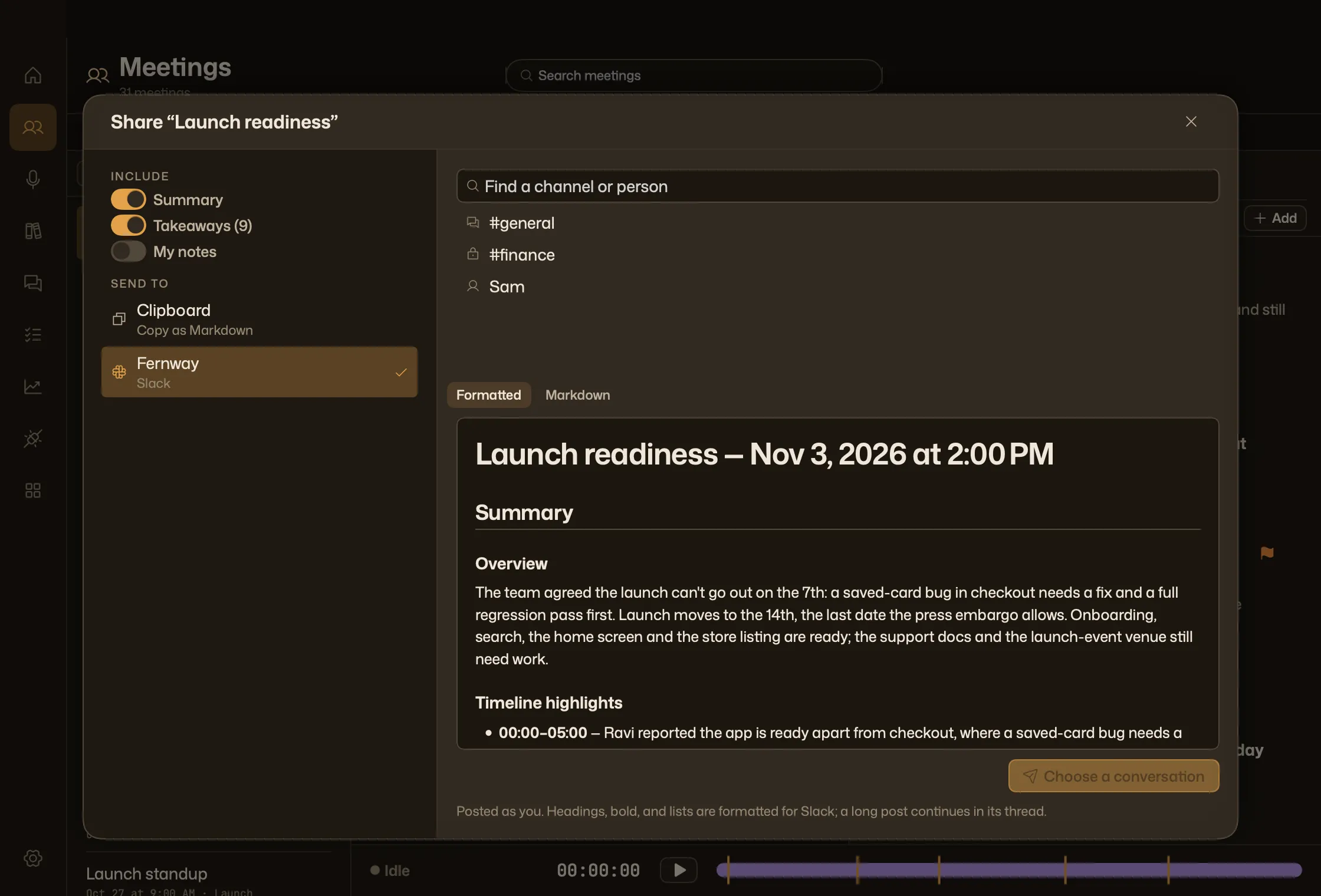
Export to MarkdownYour notes shouldn’t be stuck in one app. Notemeal exports a meeting as a Markdown file that opens in Obsidian, Bear or any text editor.Read more

Try Notemeal on your Mac
Free for Apple silicon Macs running macOS 26.2 or later.