

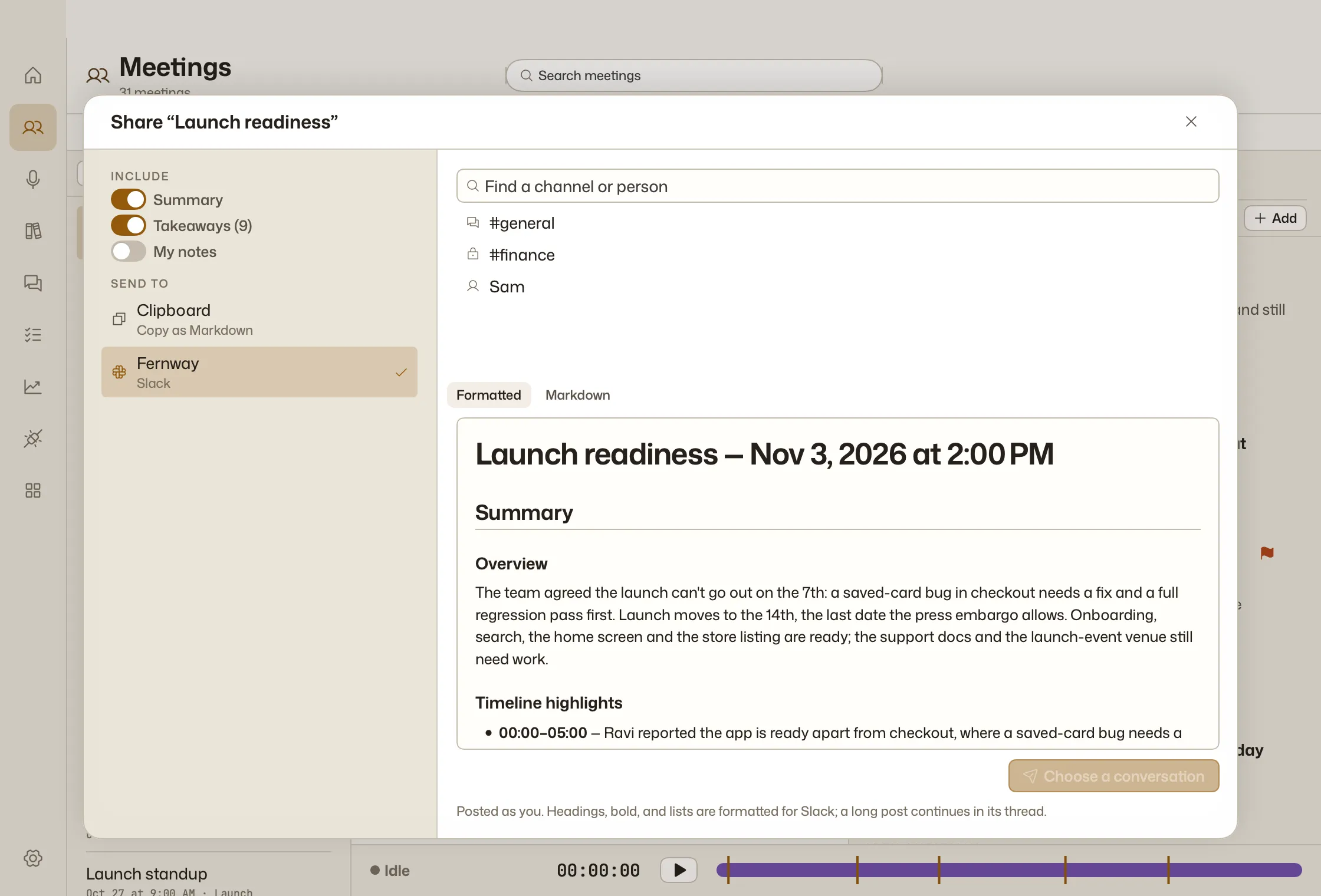
Markdown is plain text with a little formatting, which means almost every notes app can open it, and it will still open in twenty years.
What you get
Export a meeting and choose a folder. Notemeal writes:
- The meeting as Markdown, ready for your notes app or a text editor,
- a small description file listing what’s in the folder, and
- the recordings, if you tick the box.
Only when you ask
Notemeal never exports anything on its own. The folder you pick is the only place the export goes, so treat it like any other file with meeting notes in it.
Keep or clear the originals
In Settings you can choose whether Notemeal keeps recordings after they’re transcribed. You can delete a recording or a whole meeting at any time.