

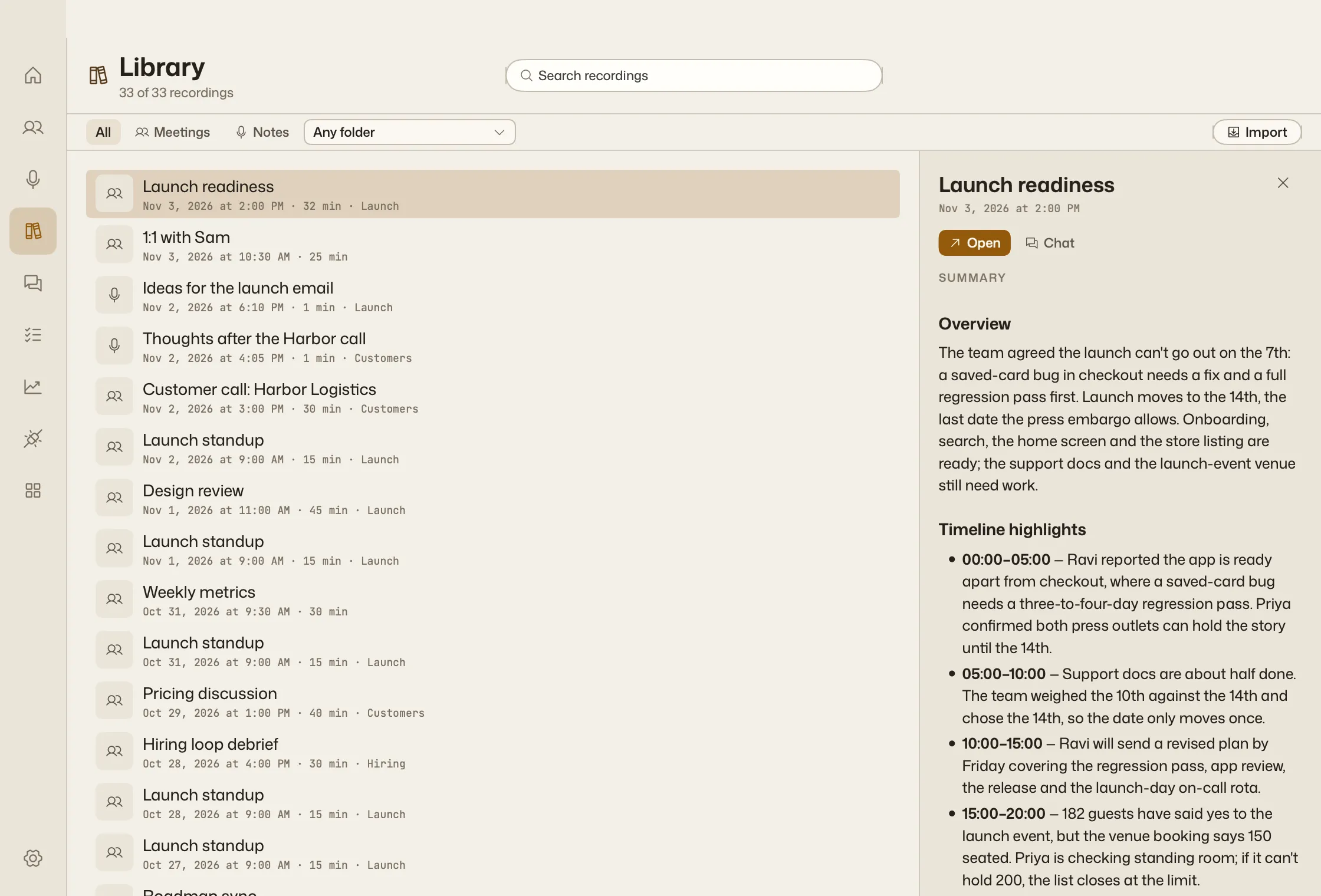
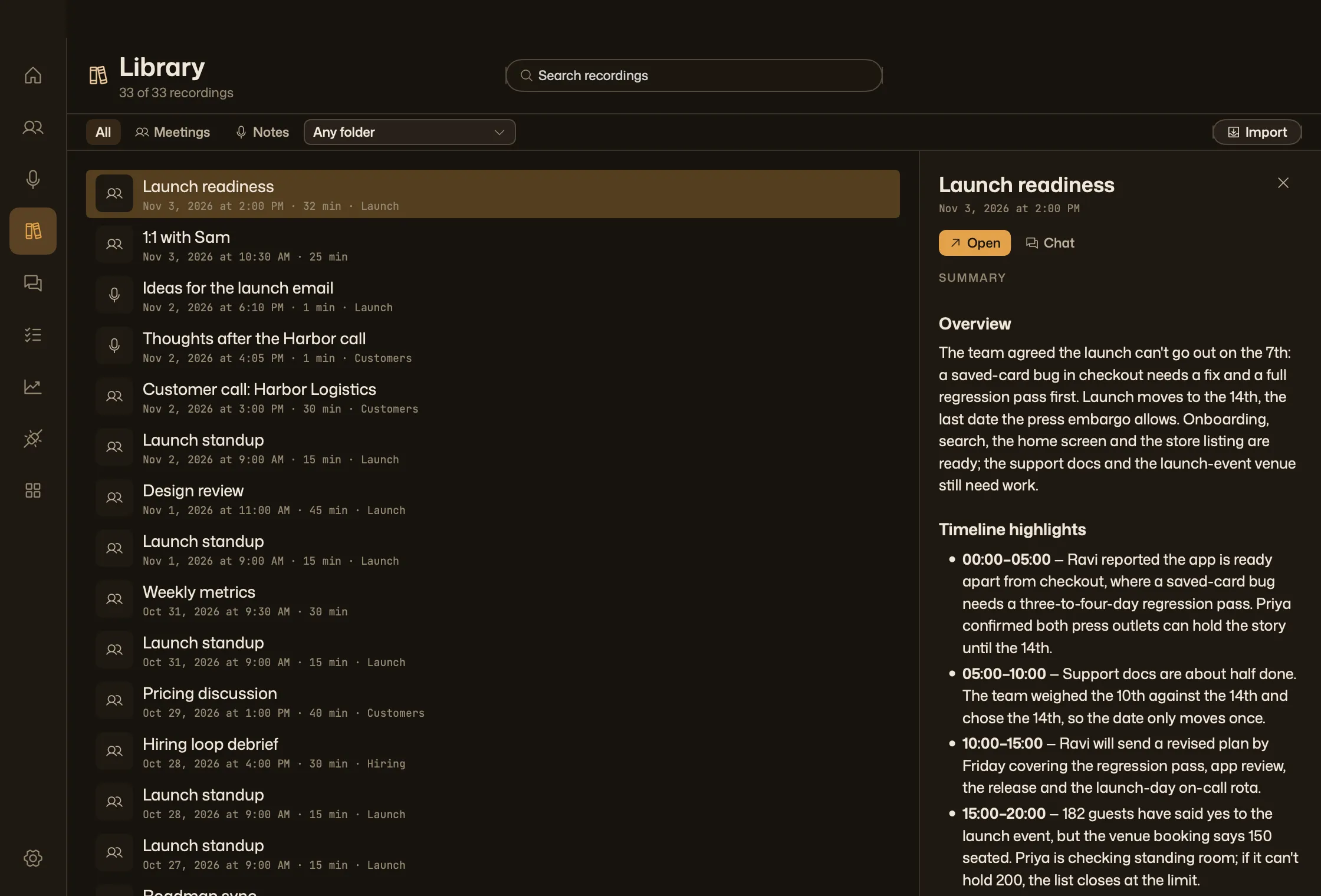
Not every conversation starts in Notemeal. Import a recording and you get the same transcript, summary and search as a meeting you recorded yourself.
How it works
Choose Import recording… and pick an audio file. Notemeal makes a private copy, then transcribes it on your Mac. From there it’s a meeting like any other: correct the transcript, write notes, summarise it and search it alongside everything else.
Privacy, down to the file name
Notemeal keeps its own copy and doesn’t store your file’s original name or where it was on your Mac. Nothing is uploaded.
What to know first
Transcription supports English. Notemeal helps you download transcription models during setup; you can manage downloads and choose models in Settings.