

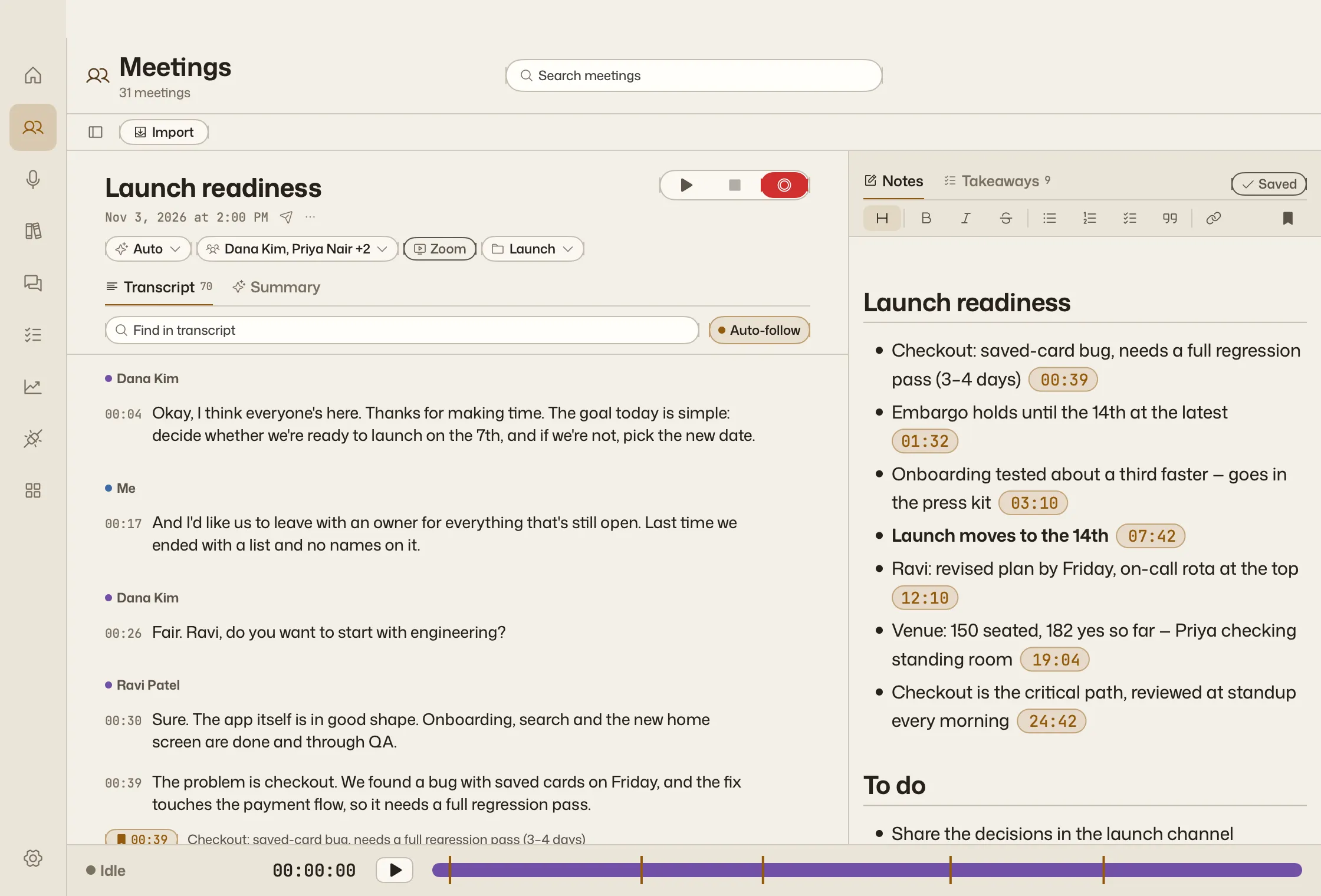
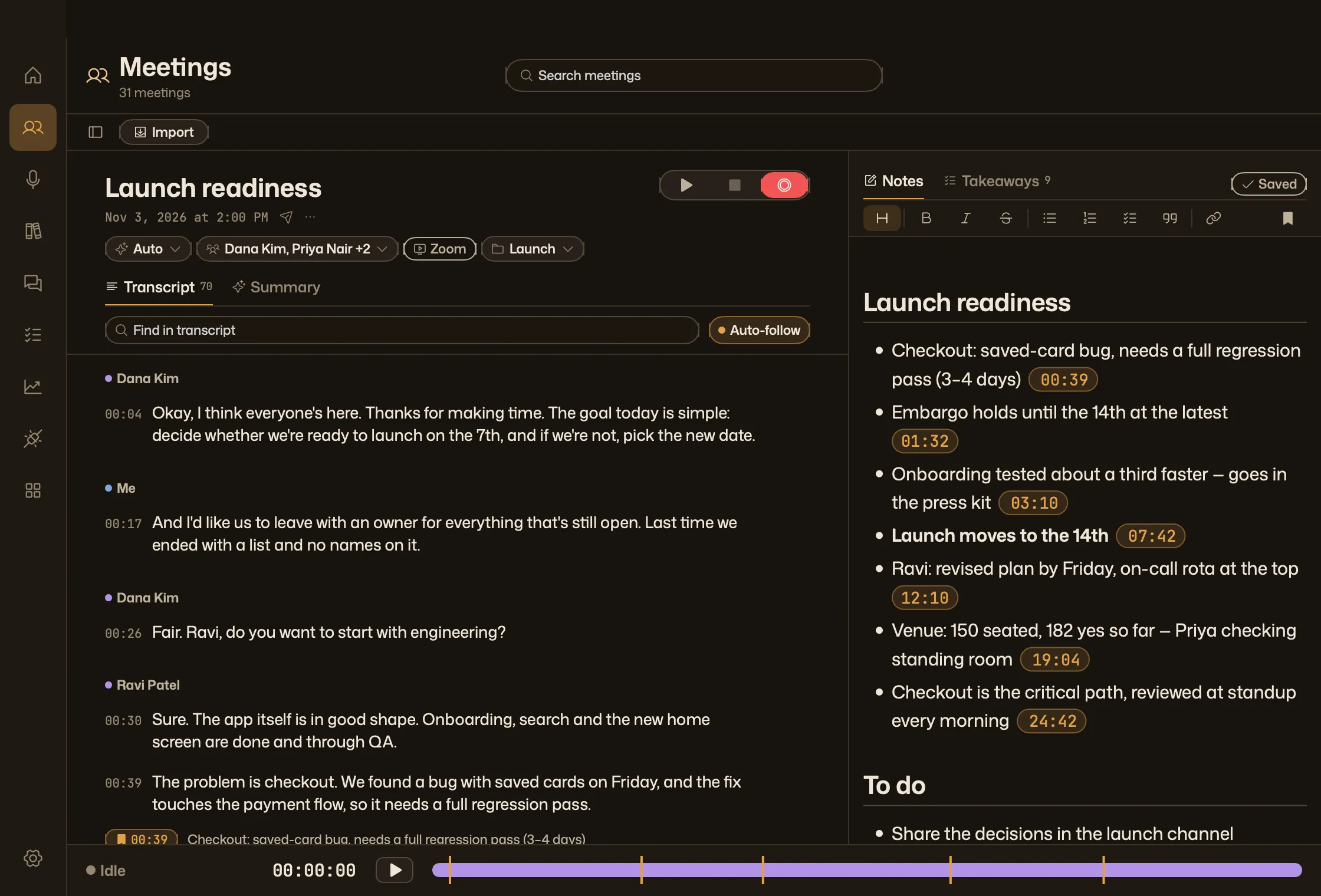
Notetaker bots join your meeting as an extra participant. Some people find that awkward, some meetings don’t allow it, and the recording ends up on someone else’s server. Notemeal takes a different route.
How it records
Notemeal records two things at once:
- Me: your microphone.
- System audio: the sound your Mac plays, which is everyone else on the call.
Each has its own level meter, so you can see both are coming through. If your microphone goes quiet for five seconds, Notemeal tells you. If audio drops out, the gap shows in the recording rather than being hidden.
Notemeal records sound only. It never captures what’s on your screen.
Works with any call
Because it listens through your Mac, there’s nothing to connect. Zoom, Microsoft Teams, Google Meet in a browser, Slack huddles and FaceTime all work the same way.
An optional reminder
Turn on the meeting reminder and Notemeal will notice when Zoom, Teams, Slack, FaceTime, Chrome, Safari or Arc starts using your microphone and offer to start. It only notices that the microphone is in use; it never listens, and it never starts recording for you.
Be upfront
No bot means no automatic announcement. Tell people you’re recording, and follow the rules that apply where you and they are.