

Most meeting tools send your audio to a server to be transcribed. Notemeal does the work on your Mac instead, so the recording and the transcript stay where they were made.
After the meeting, on your Mac
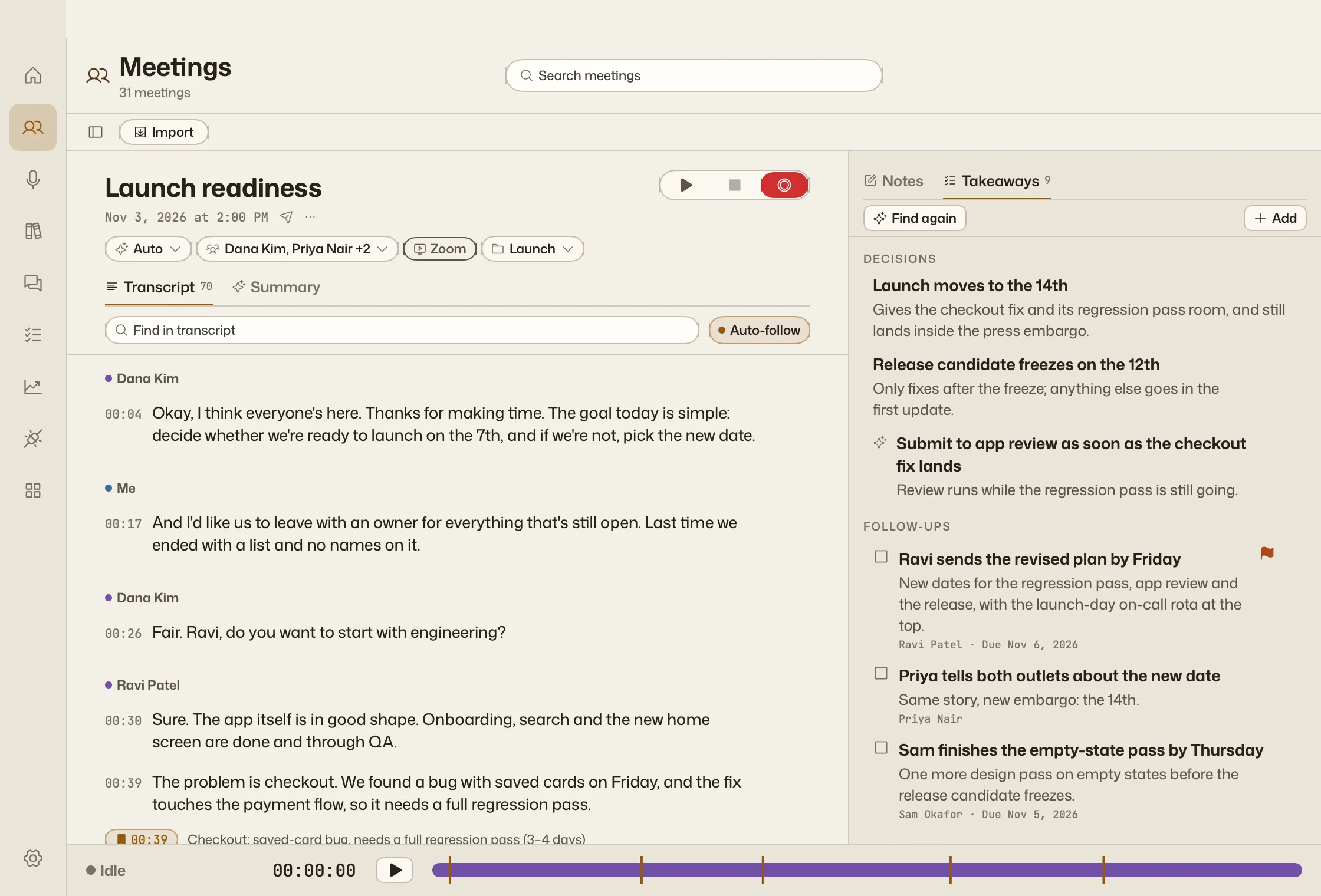
While you’re on the call, Notemeal records and can show a live transcript. You can also have the transcript refined after the call, or choose after-call transcription only. Each mode uses a model on your Mac. Audio is not uploaded for transcription. Once your models are installed, transcription works without an internet connection. Sharing through Slack or Notion sends only the content you preview and approve.
Long meetings can be stopped part way and resumed later, without starting from the beginning.
A transcript you can work with
- Find. Press ⌘F to search the transcript and see how many matches there are.
- Play back. Follow along as the meeting plays, with the current word highlighted.
- Correct. Fix a misheard word or name right in the transcript.
- Keep your fixes. If you transcribe the meeting again later, your corrections stay.
Lines are labelled by where the sound came from: Me for your microphone and System audio for everything your Mac played. Notemeal doesn’t identify or name the other people on the call.
What to know first
Transcription supports English. Download models during setup or in Settings, where you can choose your transcription mode and check that a model works before you rely on it.